
Noise Suppression for Mac: Managing Background Noise as a Digital Nomad
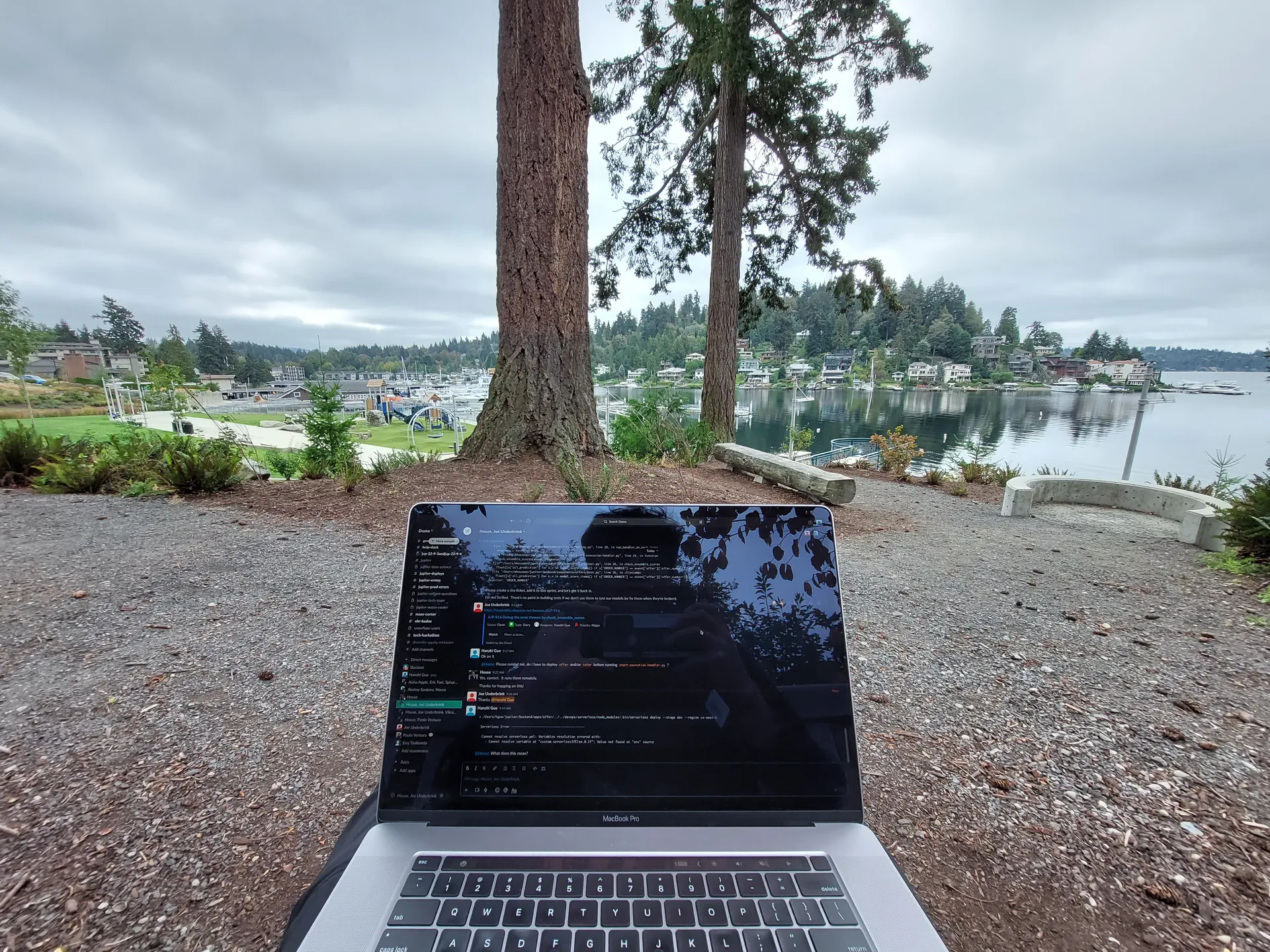
Last month I was on a client call from a café in Aguas Calientes, Peru when the barista decided it was smoothie time. Loud smoothie time. My client paused mid-sentence and asked if everything was okay.
That was my reminder that “built-in noise suppression” in Zoom (and most apps) is fine in a quiet home office, but it struggles with real-life chaos: espresso machines, blenders, scooter traffic, clinking dishes, and the person at the next table who laughs like they’re doing stand-up.
If you’ve ever searched for a noise suppression app for Mac (or how to remove background noise in Zoom on Mac), you’ve probably noticed the tradeoffs: quality vs battery, privacy vs “cloud AI,” and whether it works across every app you use.
I spend months at a time living in places like Thailand, Portugal, and Mexico, wherever the visa situation works out and the cost of living makes sense. I work from cafés, Airbnb balconies, and occasionally parks if the Wi‑Fi cooperates. Remote work is great… except nobody tells you your audio setup becomes the thing people judge you by.
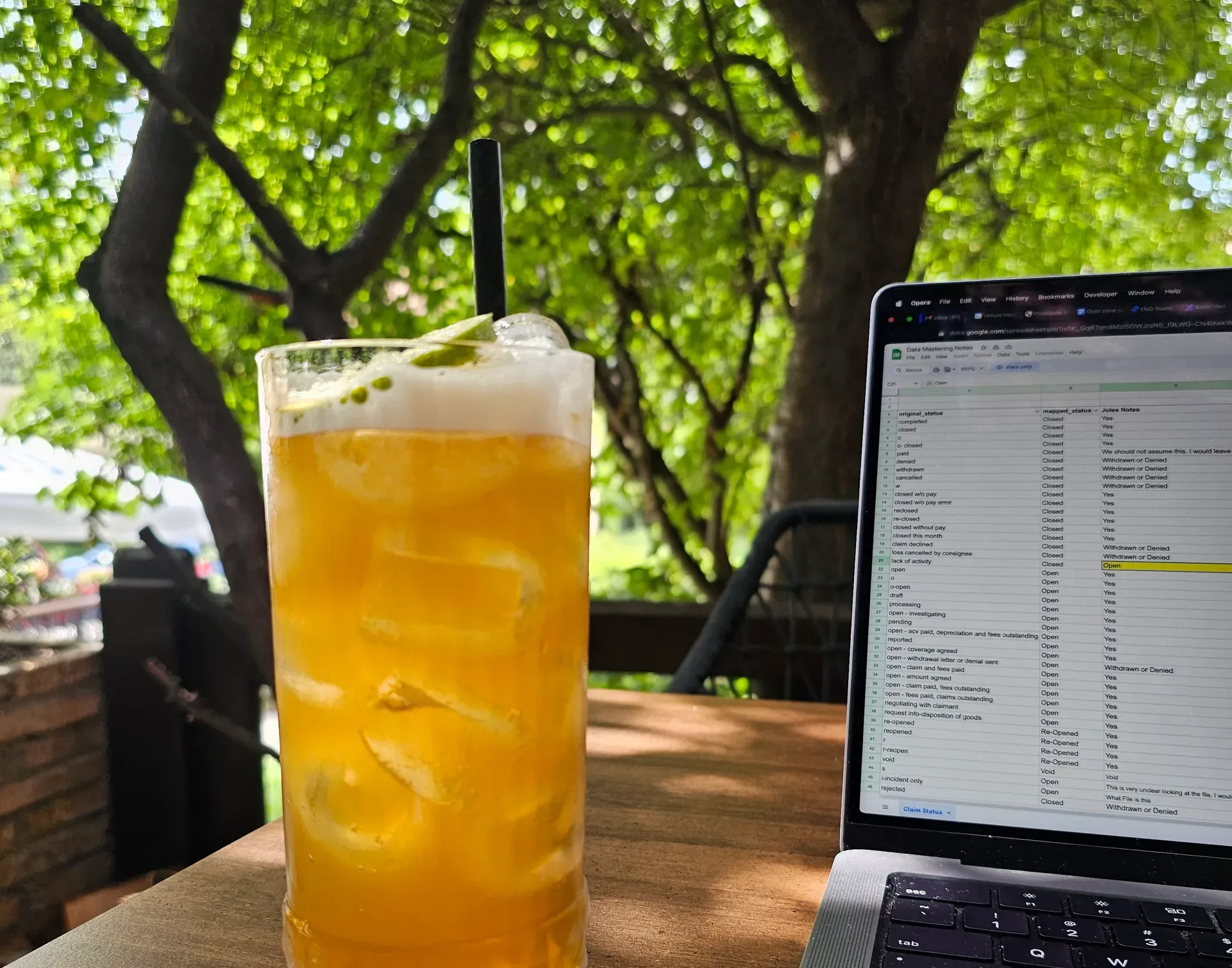
I got tired of apologizing for background noise. I just wanted something on my Mac that could reliably filter out the environment, without turning every call into a whispered confession to my laptop.
What I Tried First
Krisp was the obvious first try. Every “best tools for remote workers” list includes it. And to be fair, it works.
But over time it evolved into a full AI meeting platform: transcription, meeting summaries, analytics, and other features I don’t need. I just want the espresso machine to disappear from my side of the call. At $16/month, it felt expensive for one core feature wrapped in a product that keeps trying to upsell me.

Then I found MetalVoice, which is open source. The suppression quality was genuinely impressive. I thought I’d found the answer.
But after a one-hour call, my MacBook had lost about half its battery. If you’ve ever worked from a café with two outlets and six people already camping near them, you know that kind of battery drain is a dealbreaker.
So I Built Something
At some point I got frustrated enough to do something about it. I teamed up with a few developers and we built SoundVeil: a noise suppression app for Mac that tries to do one thing really well.
It runs locally, doesn’t send your audio anywhere, and is tuned to be efficient on Apple Silicon so your battery doesn’t tank. Pricing is $5/month or $99 for a lifetime license.
Quick disclosure: I helped build SoundVeil, so take my opinion with that in mind. I’m writing this because the problem was driving me nuts and I couldn’t find a solution without a major tradeoff.
If you’re comparing options, this is the positioning in plain terms:
- SoundVeil: system-wide, local processing, tuned for Apple Silicon efficiency.
- Krisp: excellent quality, but bundled into a broader meeting platform (and pricier if you only need noise cancellation).
- macOS Voice Isolation / app built-ins: great in stable environments, hit-or-miss in cafés.
- NVIDIA Broadcast / RTX Voice: popular on Windows; there isn’t a true 1:1 Mac equivalent.
Why This Matters If You Work Remotely
Video calls aren’t going away. If anything, more meetings happen on Zoom and Google Meet than ever, and the expectation is crystal clear: your audio should be clean no matter where you are.
Nobody cares that you’re calling from a beautiful rooftop in Lisbon if they can hear every motorbike on the street below.
If you mostly work from a quiet home office, built-in suppression is probably fine. But if you move around a lot, or your workspace changes week to week, you need something that can handle unpredictable noise without eating your battery.
That’s what SoundVeil does for me. I can take calls from basically anywhere and stop worrying about what my mic is picking up.
If that sounds like your situation, you can try it at SoundVeil.app. Use code NOMAD50 for 50% off your first month.
FAQ: Noise Suppression on Mac
How do I remove background noise on Mac for Zoom or Google Meet?
Start with the built-in options (Zoom “Suppress background noise,” Google Meet noise cancellation, or macOS mic modes like Voice Isolation if available). If those aren’t enough in coffee shops or open offices, a system-wide noise suppression app can help because it filters your mic before it hits Zoom/Meet.
Why does noise cancellation drain my MacBook battery?
Real-time ML noise removal is compute-heavy: some tools keep CPU/GPU usage high for the entire call. On Apple Silicon, efficiency varies a lot by implementation, model size, and latency target.
Is there a private, local noise cancellation option (no cloud)?
Yes: some tools process audio locally. That matters if you don’t want raw audio uploaded for processing, and it can reduce variability when your connection is shaky.
What’s a “virtual audio device” and do I need one?
Many Mac noise suppression tools create a virtual microphone (a virtual audio device) that apps like Zoom can select as the input. It’s the most common way to get “works with all apps” behavior.

Sponsored by
Awaken LLC
Building the future with AI & Code. Expert solutions for your next big idea.
Visit Website